
How it works
From “New Folder (3)” to one family archive, in an afternoon.
Here is Hael Studio screen by screen. You set up a project, the scan runs by itself, you answer a few “same person?” questions, and you end up with every photo you own sorted by year, event and person — as ordinary folders on your own PC.

Step 1
Set up a project in three choices
Pick the folders, drives or memory cards to gather from, choose where the archive goes, and press Start. That's the whole setup.
Step 2
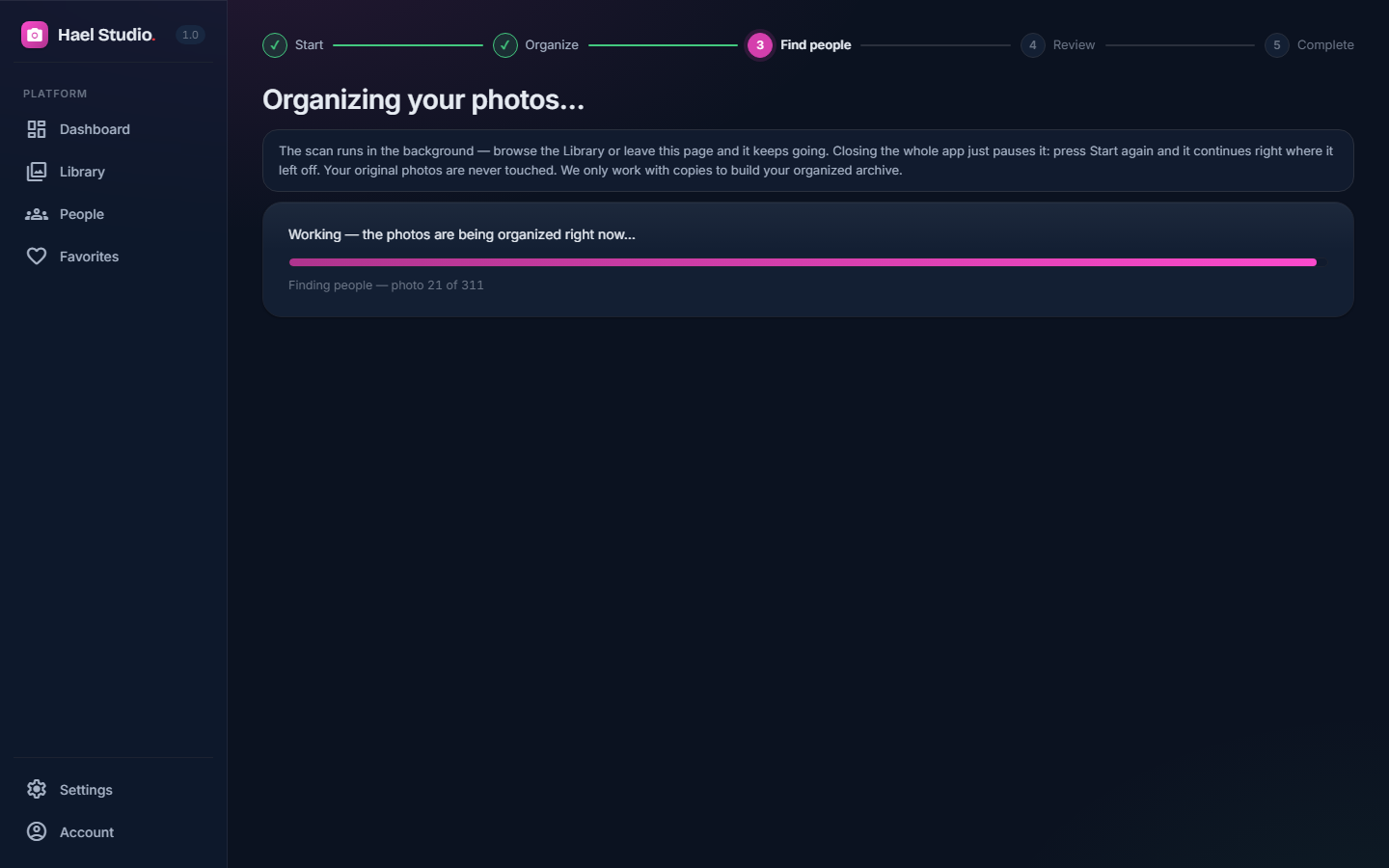
The scan runs by itself
It reads every photo and video, finds the duplicates, and copies the keepers into the archive. Your originals aren't touched.
Step 3
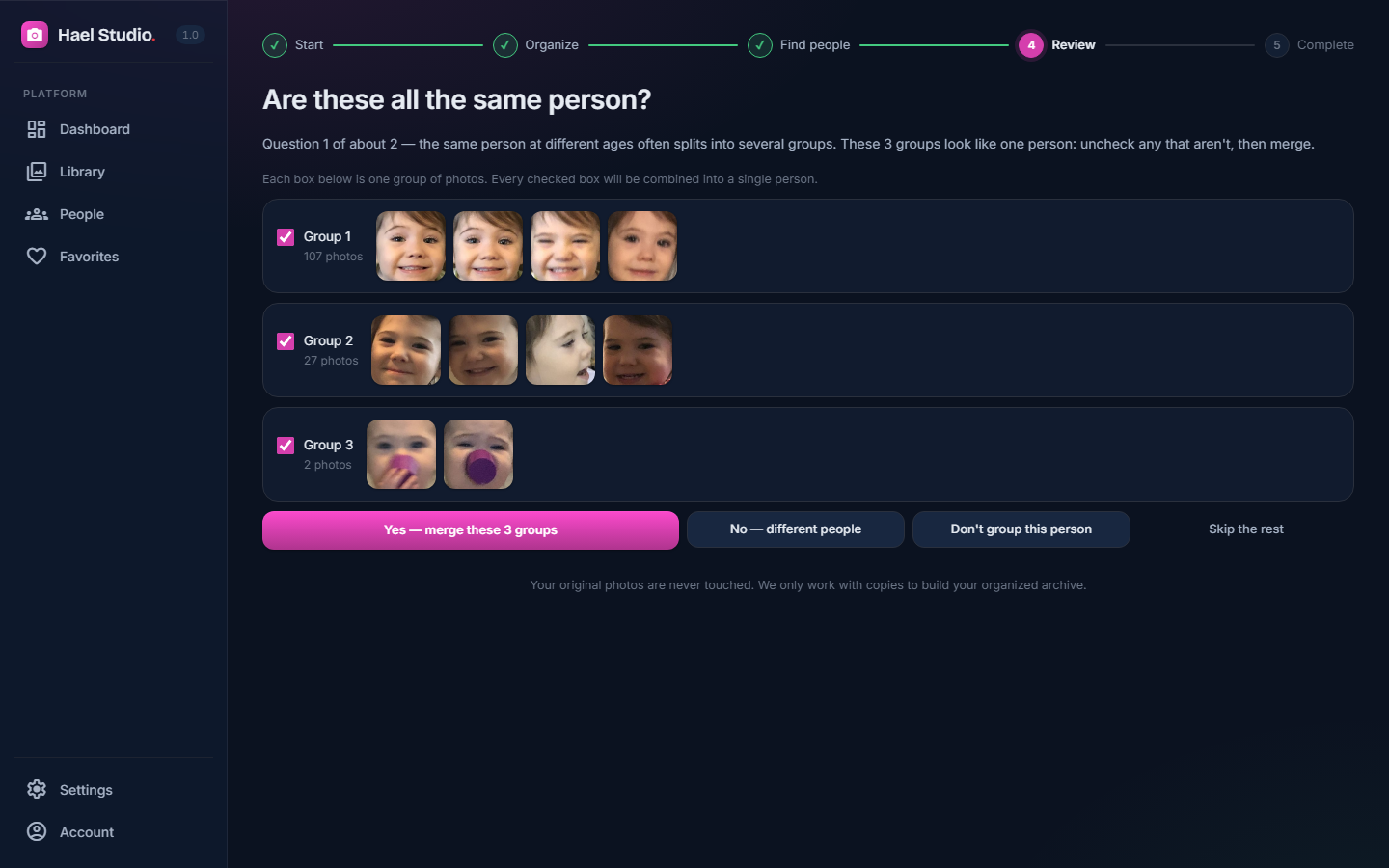
“Are these the same person?”
Faces are found on your computer. When the app isn't sure two groups are the same person, it asks you once, with a yes or no.
Step 4
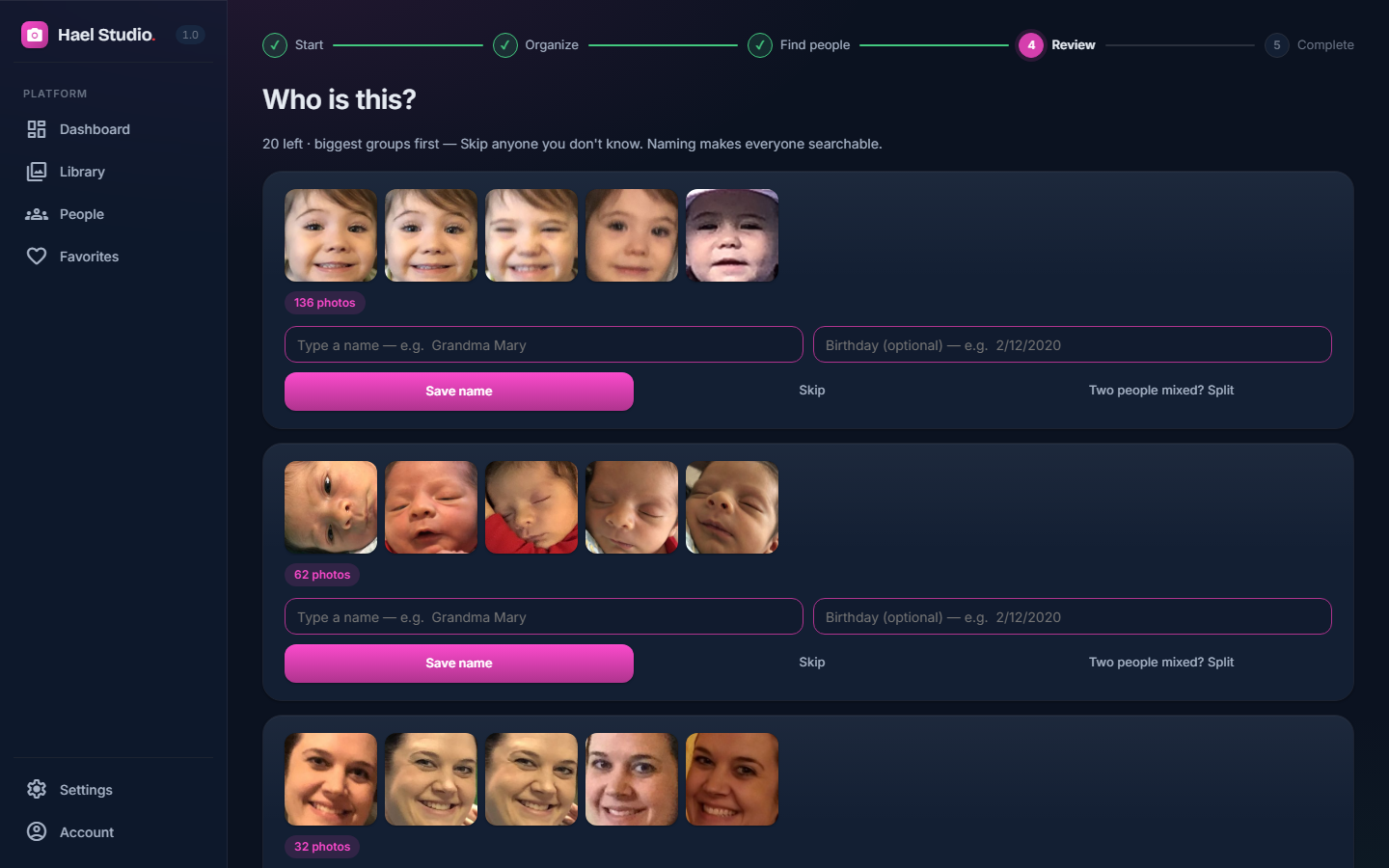
Name a face once
Type a name one time and every photo of that person, across every year, is labelled.
Step 5
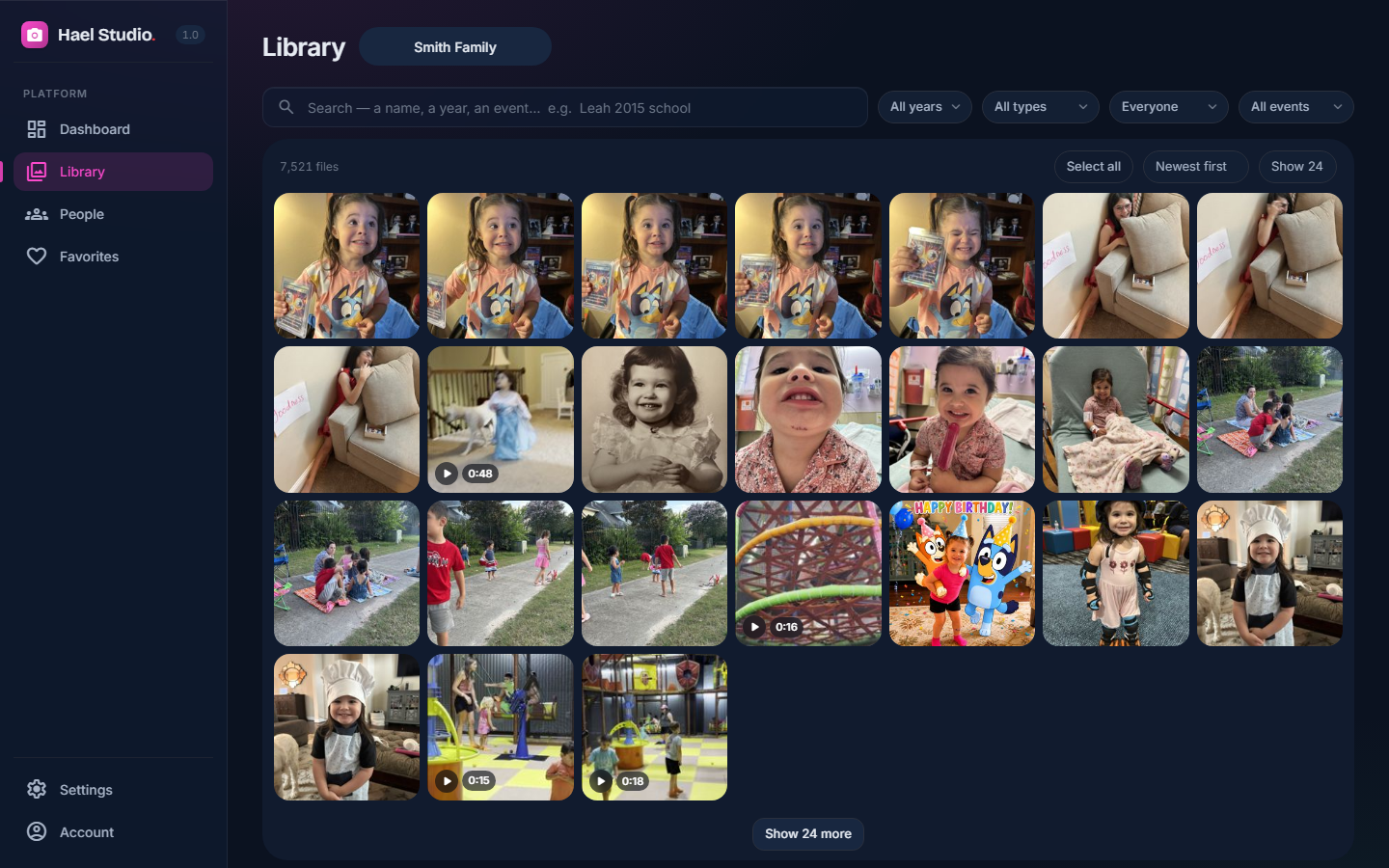
Your Library: every photo and video
One clean grid of everything you own, with filters for year, type, person and event.
Step 6
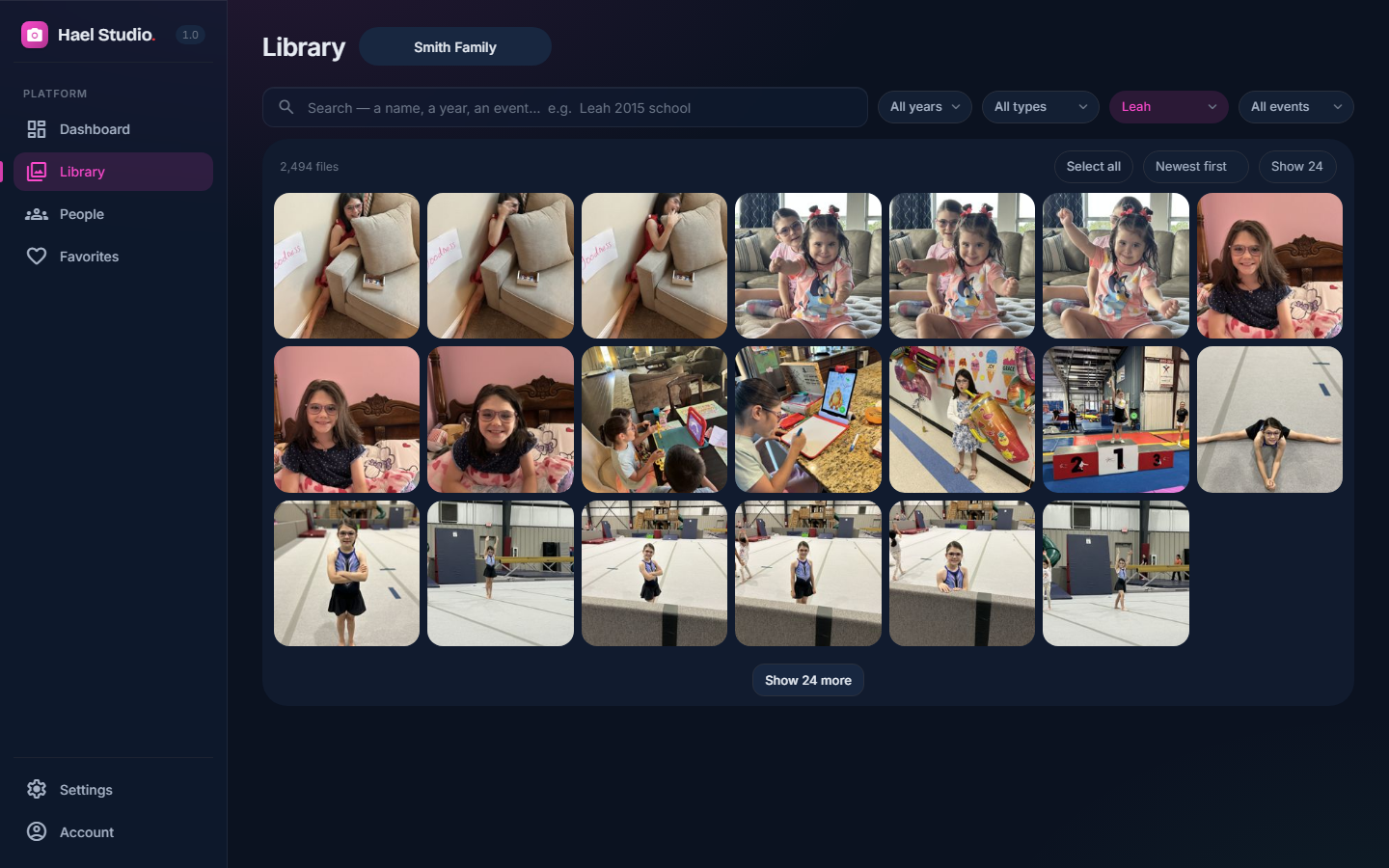
One person, every year
Pick someone and watch them grow up, from the oldest photo to the newest.
Step 7
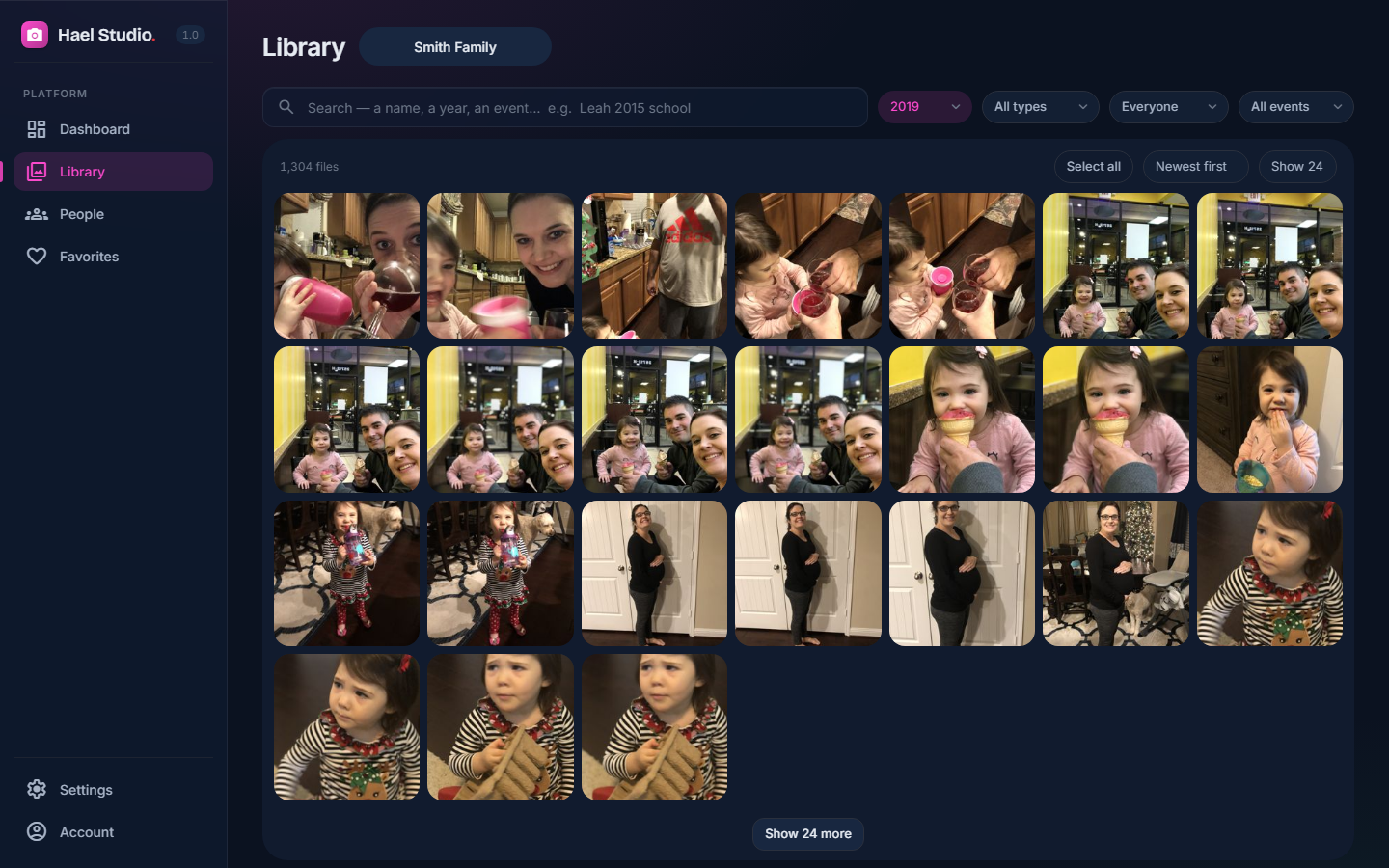
One year
Everything from a single year, in order.
Step 8
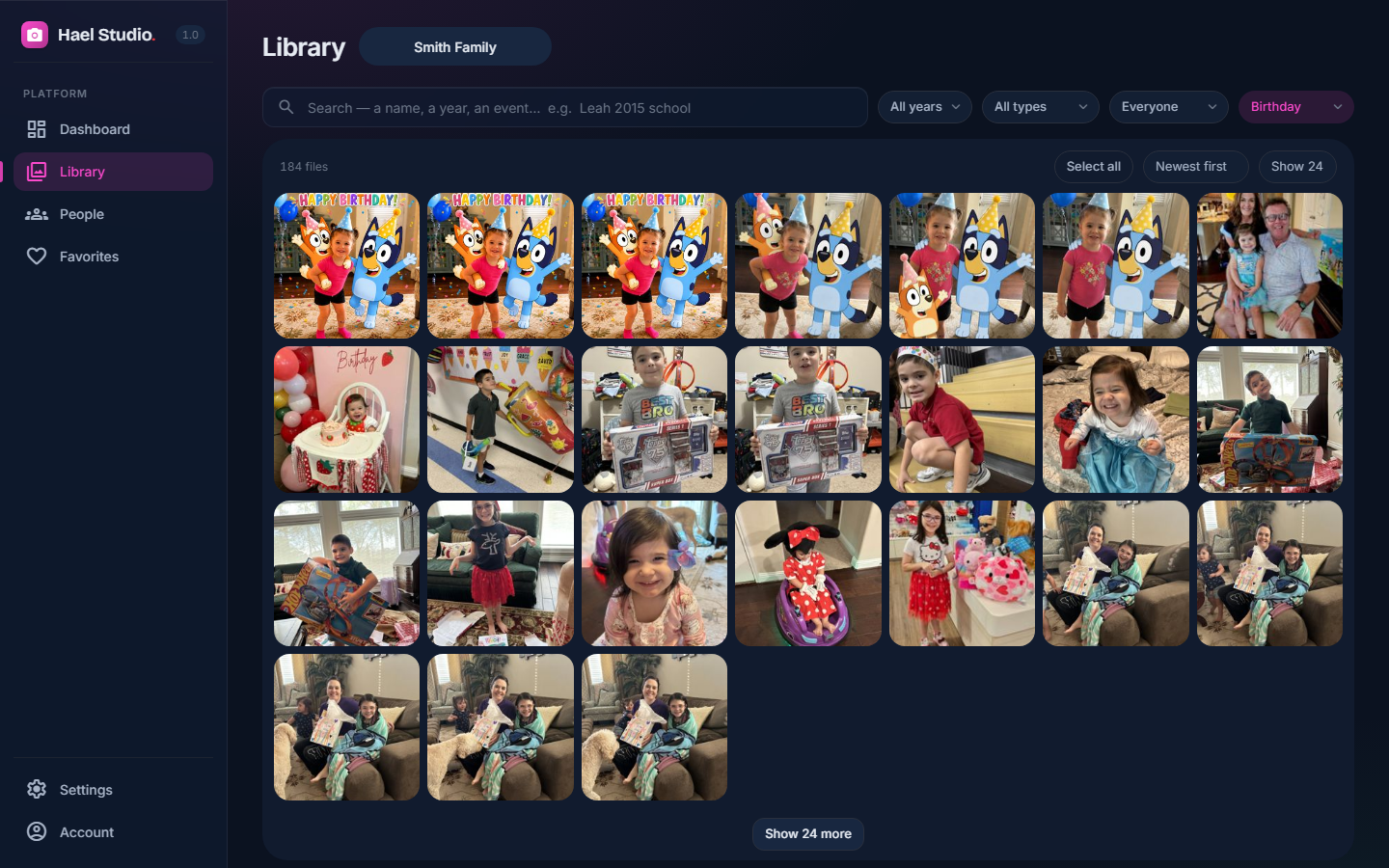
Smart event tags
Birthdays, holidays, trips. Optional AI tags suggest the event; you confirm. Included with every licence.
Step 9
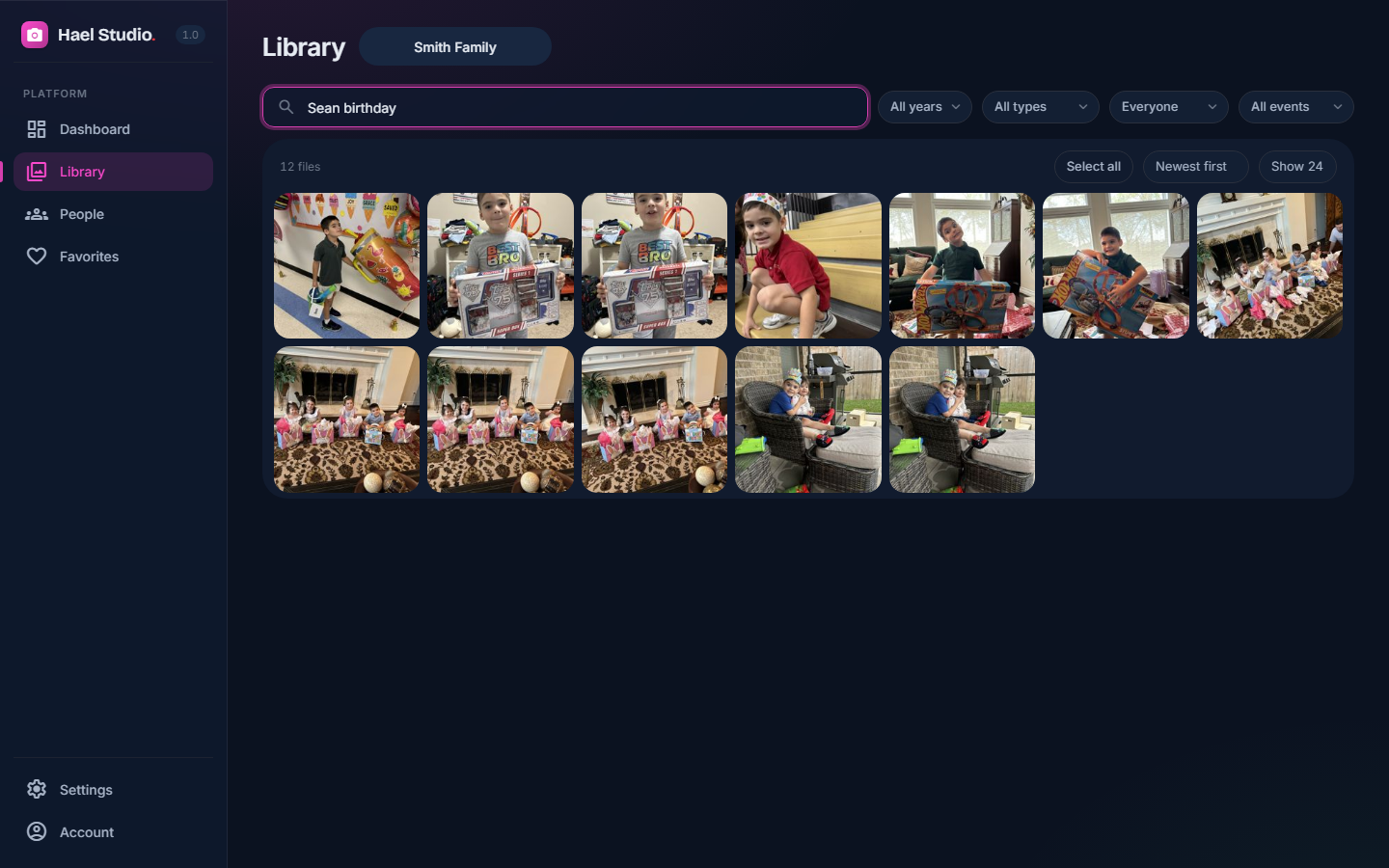
Search
Type a name and an event and the right photos come up. “Sean birthday” finds every one.
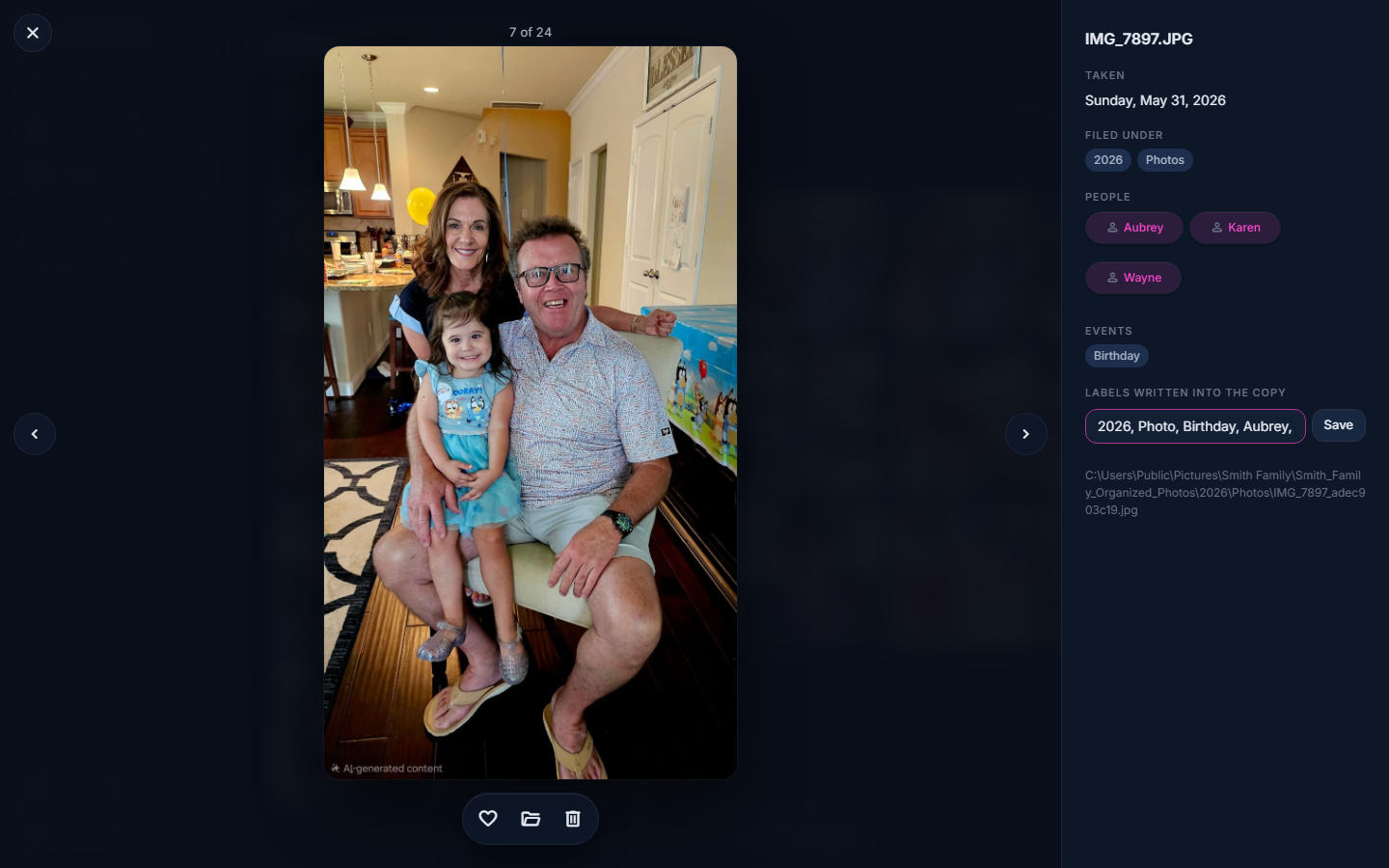
Step 10
The photo viewer
The people in the photo, the event, the date and the camera, with your own labels.
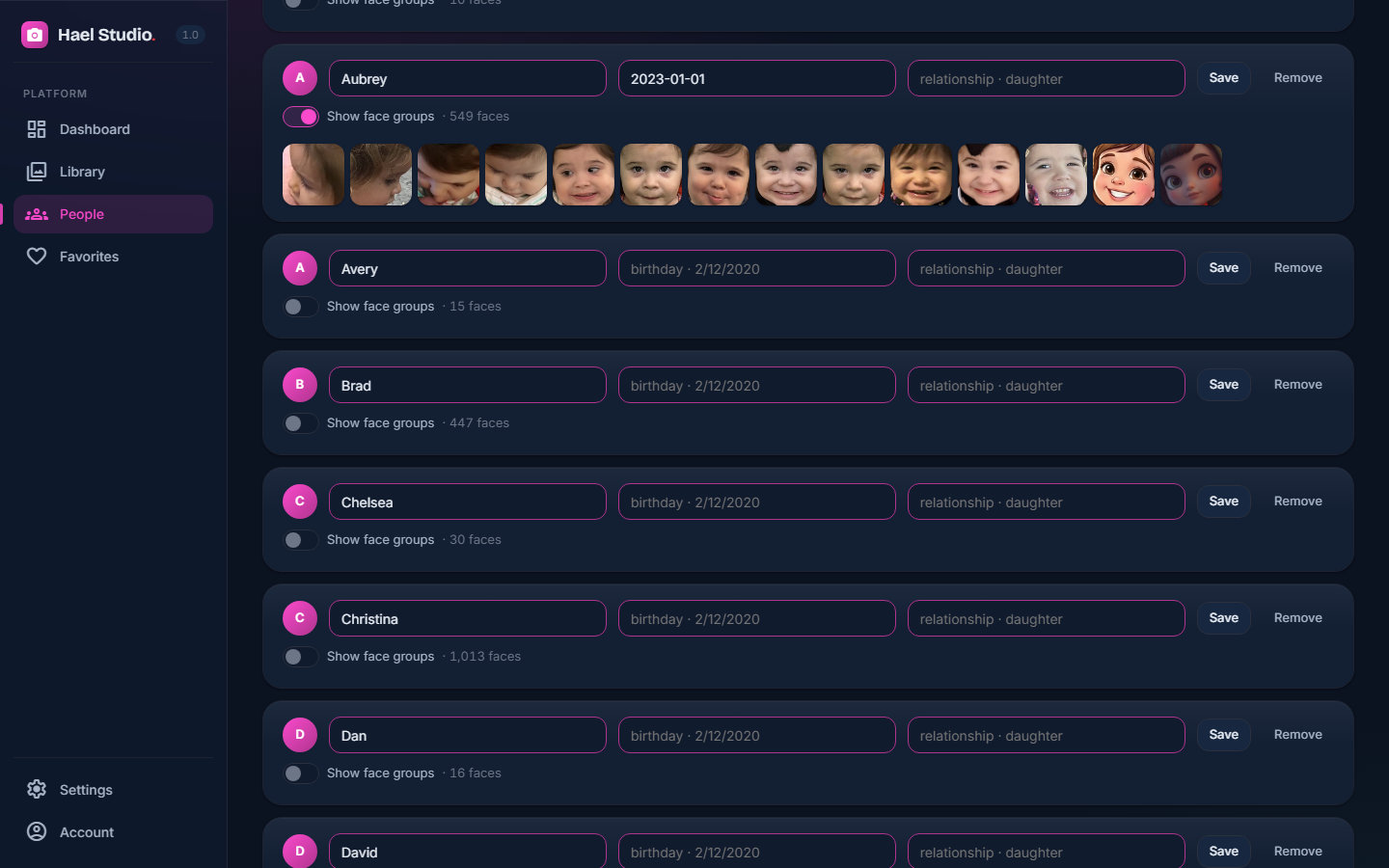
Step 11
People across the years
Everyone you've named, each with their photos grouped from first to latest.

Step 12
Names, birthdays, relationships
Add a birthday and the app knows how old someone was in each photo.
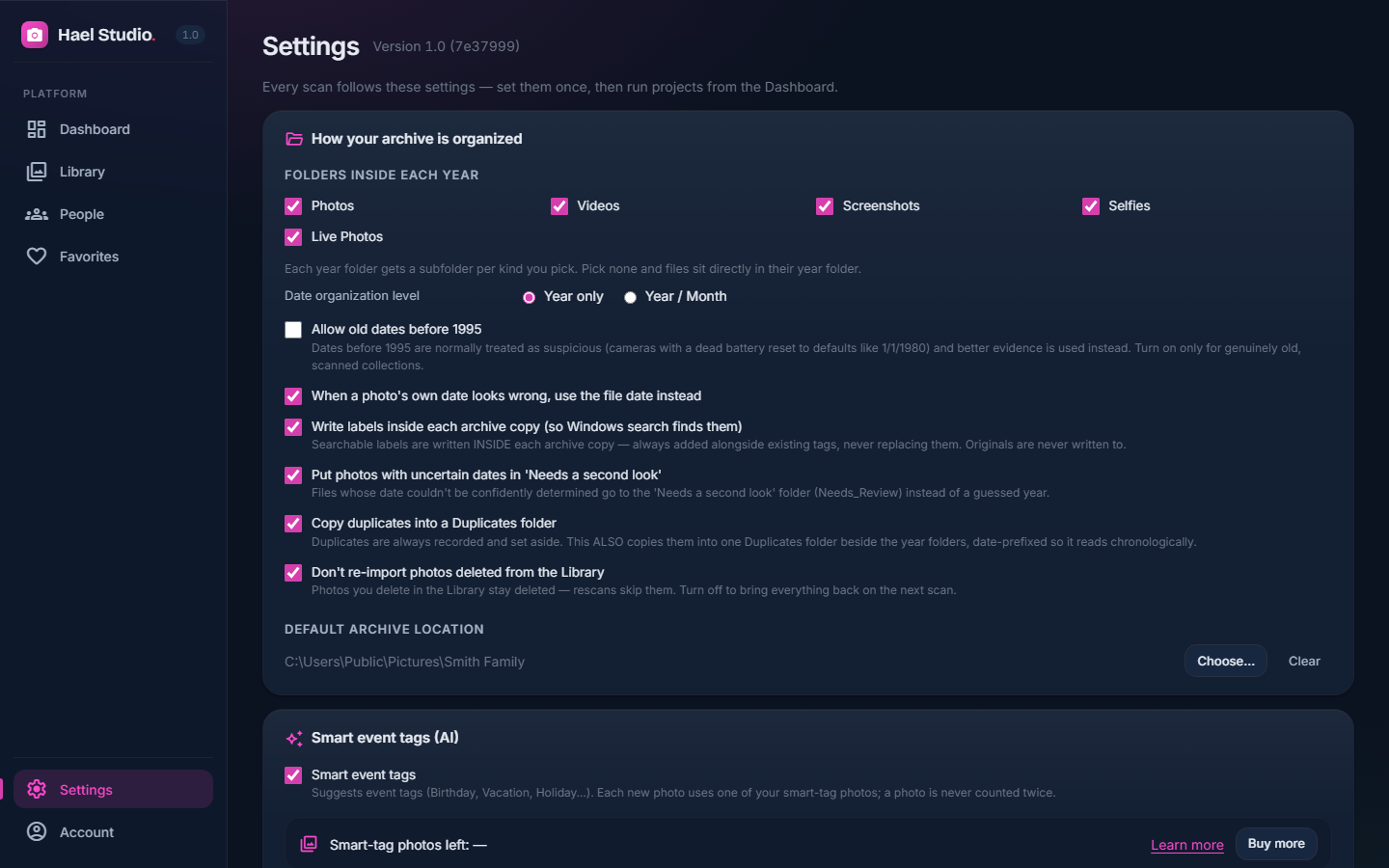
Step 13
How your archive is organized
The folder layout, the file names and the rules the scan follows. Plain settings, no jargon.
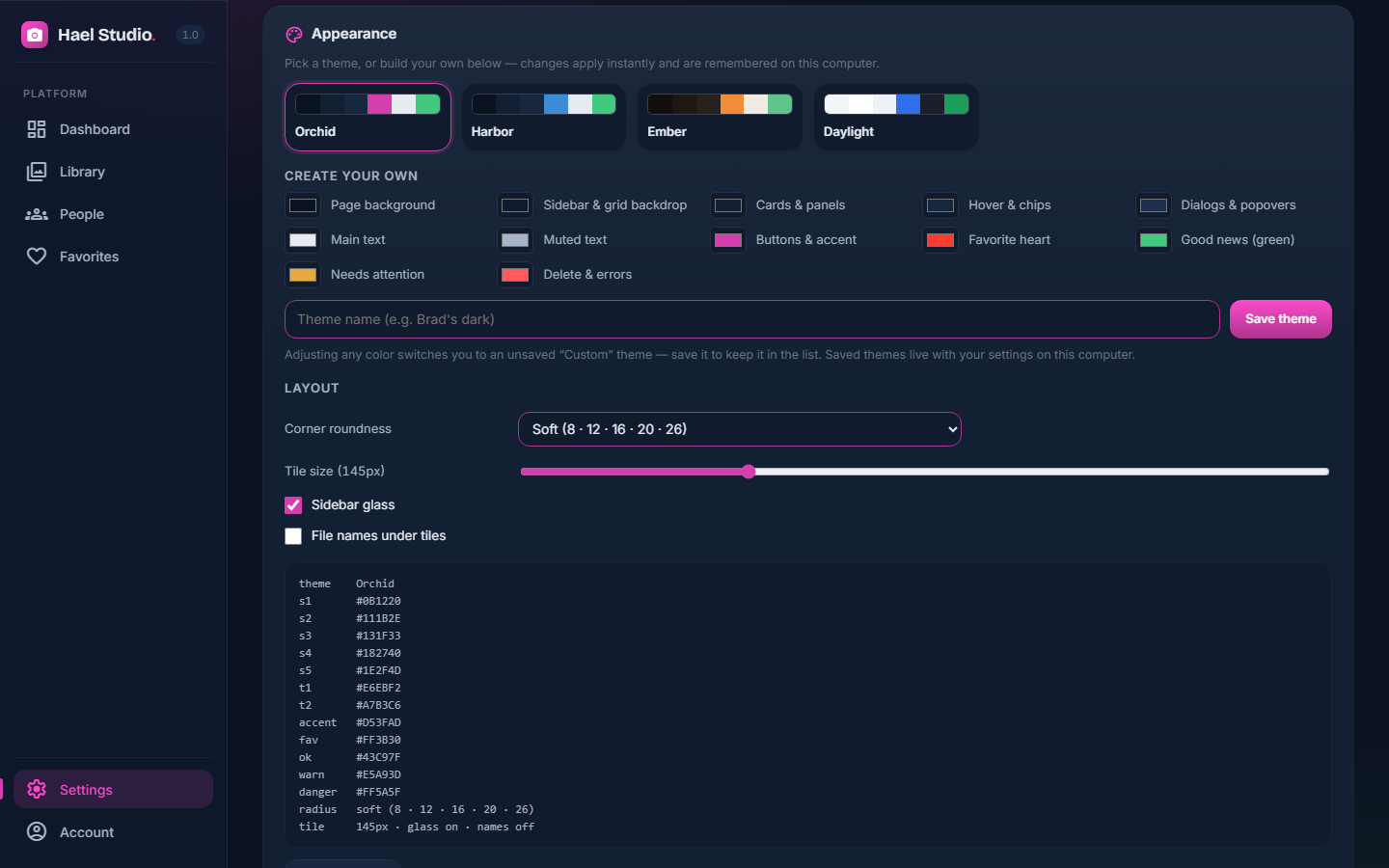
Step 14
Themes and appearance
Three built-in looks, or your own colours, saved by name.

Step 15
Your account
Your licence, the computers it's on, updates and support, all in one place.
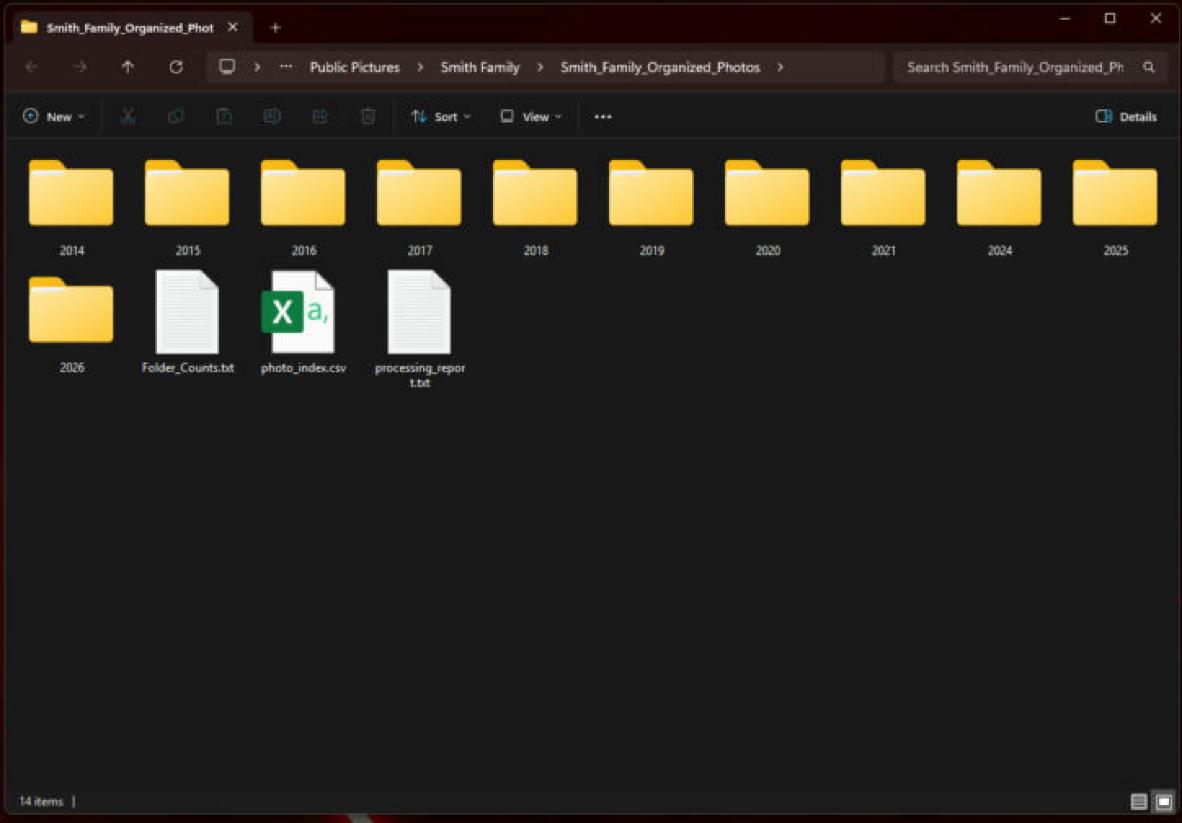
Step 16
The finished archive in File Explorer
At the end, it's just folders: one per year, the photos inside, tags written into each file so Windows search finds them. No app needed to open it.
Where your photos go
Nowhere. That's the point.
✓Originals untouched
The app reads your photos and makes copies into the archive. It never moves, renames or edits the originals.
✓Faces found on your PC
Face recognition runs on your own computer. No face, name or photo is sent to us.
✓We store none of it
Your archive is folders on your drive. We keep your account and licence, nothing from your photos.
The one optional extra: smart event tags send a small preview of each new photo through haelstudio.com to our AI provider to suggest an event. We never keep the preview. Switch smart tags off and nothing is sent. Details in the FAQ and Privacy policy.
What's coming
Every plan includes new versions. Here's what's being built.
Hael Studio comes with 12 months of updates (Lifetime: every version, forever). These are next on the list, in rough order. No dates promised; each ships when it's right.
01
Mac version
The same app for macOS. One licence covers your Windows and Mac computers.
02
Your own event names
“Lake House”, “Grandma’s”, “Soccer season” — alongside Birthday, Vacation and the rest.
03
Moments
Photos taken within the same hour or day grouped together, so an afternoon is one moment, not forty tiles.
04
Fewer “same person?” questions
Smarter face grouping that files the obvious matches by itself and asks only about the hard ones.
05
Smarter, broader event detection
More kinds of events recognized — graduations, sports, first days of school — and better evidence before a photo is tagged as a birthday.
06
Date range in the Library
Show just last summer, or 1998 to 2003, with two dates.
Who makes it
Hael Studio is made by Sullivest LLC, a small company in Texas. It started as one family's answer to thirty years of photos spread across old laptops, phones and memory cards, and it's built on a simple rule: your photos are yours, and they stay on your computer. Questions, ideas or trouble: write to support@haelstudio.com and a person answers.